Try it. Undo it.
Undo the last appearance, layout or widget change from Settings. Your saved content stays put.
 NabyScape
Your desktop, your space.
Music. Focus. Your own AI.
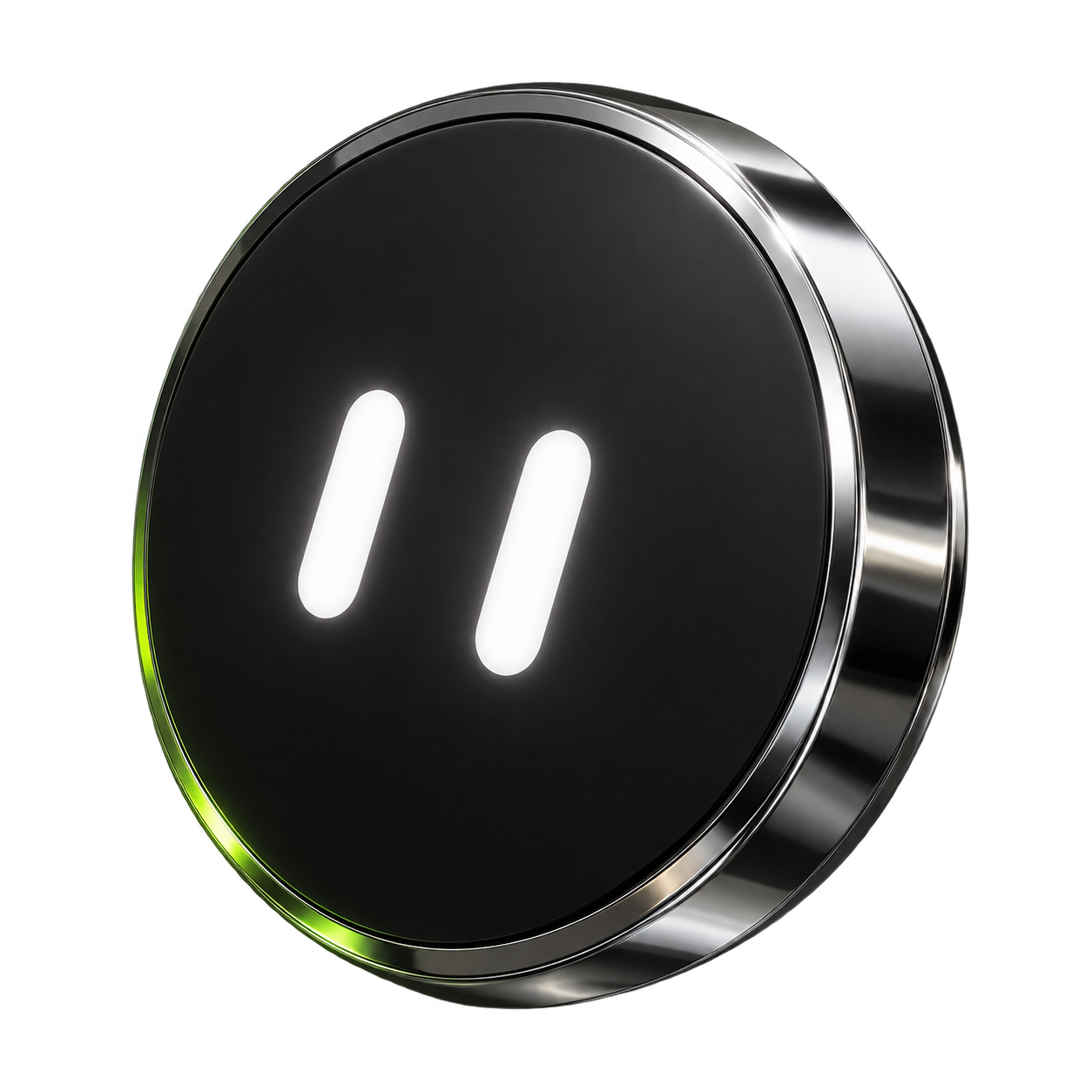
A personal island for Windows. Keep music and everyday tools close, then open up when you need more.
Your music, a little closer.
Interactive web demo · original artwork · no audio or device connection.
Cover colors spill softly into the island. Playback, volume and lyrics stay within reach while your desktop stays yours.
Keep the tools you reach for. Leave the rest off.
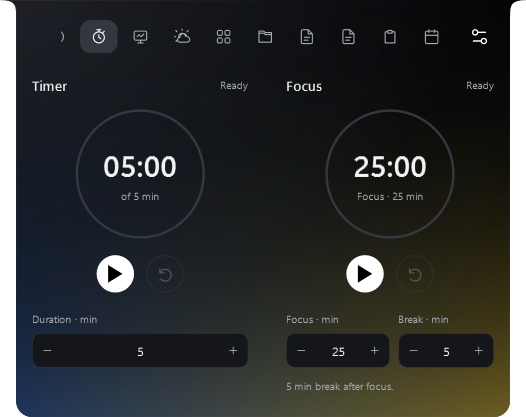
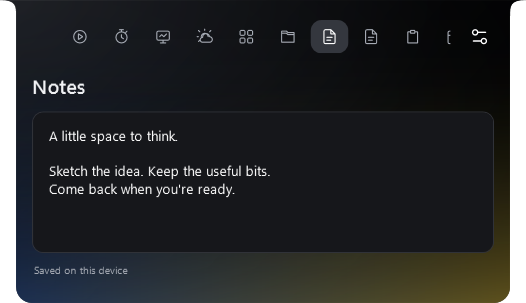
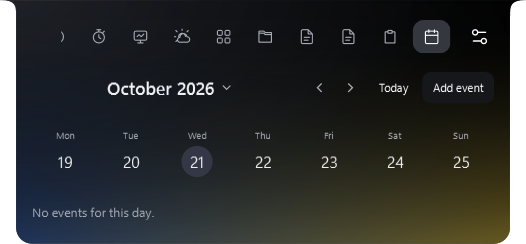
Chat with files and images. Talk using a realtime provider or local speech models. Connect Hermes when you want your own agent's tools and memory.
Explore AI & voice setup ↗AI is optional. Provider access and local speech resources are separate. The microphone starts only when you choose; wake-word listening is an explicit setting.
Start with Music, Productivity, AI or Custom. Move the dock, choose your widgets, then make it feel right.
Undo the last appearance, layout or widget change from Settings. Your saved content stays put.
A clear setup status and the next step for music, voice, lyrics and weather.
Essentials or Custom. Hidden views reduce their work; unused audio resources are released. No fixed RAM promise.
Readiness, next steps and setup built around what you use.
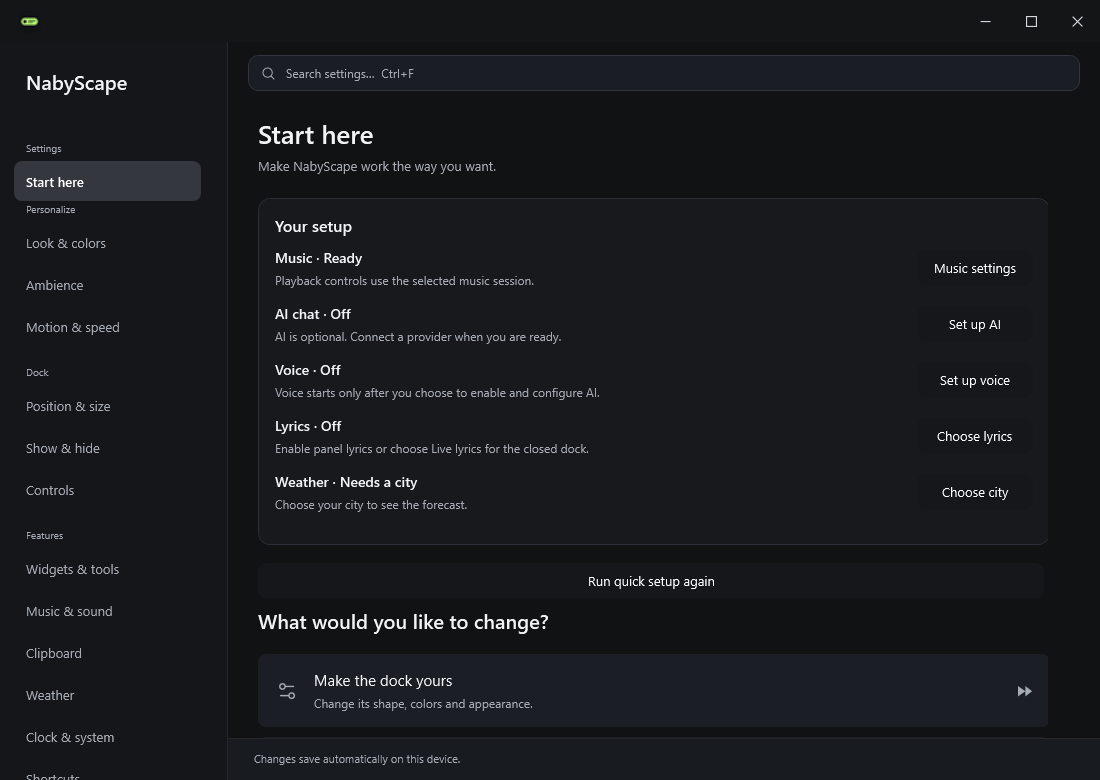
Actual WPF controls and transitions. The film documents an earlier release; the latest features are described above.
Choose the installer for your Windows architecture from the release assets.
The latest source includes the updates shown on this page. A local build is not automatically a published release. Check each release's requirements and notes. Installers are unsigned.